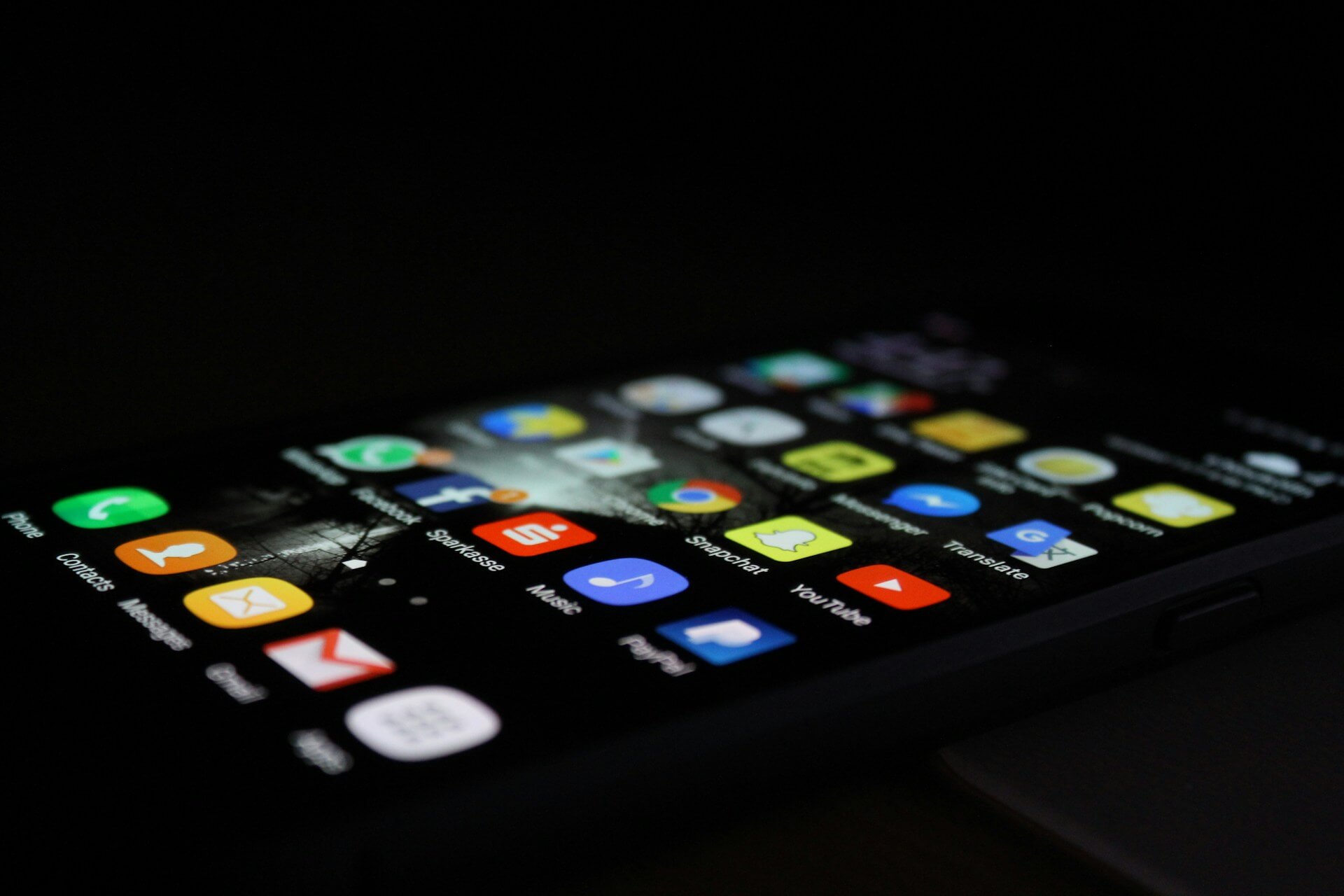
Part 1: Describe your Device
The mobile device I chose is my iPhone 16 Plus. I use my phone pretty much throughout the day for texting, phone calls, emails, social media, music, videos, and GPS. I also use it quite a bit for school. For example, I check course material on my phone, open documents when I am away from my computer, and sometimes message classmates about assignments or other school work.
One feature I use all the time is Face ID. It is a small feature, but it makes it much easier to unlock my phone or sign into apps without having to type in a password every time. I also use the camera a lot. Besides taking pictures, I sometimes use it to scan documents or take a quick picture of something I need to remember. GPS is probably another one of my most used features because I use my phone for directions whenever I am driving somewhere unfamiliar. I also like having the bigger screen on the 16 Plus. I watch a lot of videos on my phone, so I personally prefer the larger screen.
The bigger size does have some downsides though. Using the phone with one hand can be awkward, especially when I am trying to reach something at the top of the screen. It is also pretty big to carry around in some pockets. I find the battery life good for the most part, but I definitely notice it draining faster when I am using GPS for a long drive or watching a lot of videos.
Part 2: Reflect Like a Developer
The iPhone 16 Plus uses Apple’s iOS operating system. Looking at the phone more from a developer’s point of view, there are a lot of things that have to be considered when making an app for it. Screen size is one example because an app should still look and work properly on different iPhone models. Developers also have to think about touch controls and features like the camera, GPS, microphone, and other sensors.
Battery usage is something I probably would not think much about as a normal user, but it becomes more important when looking at the phone from a developer’s perspective. An app that constantly uses GPS or other features in the background could drain the battery quickly. Permissions are important too, especially when an app wants access to someone’s location, camera, or microphone. From my experience using the phone, I think a good mobile app should be easy to use and take advantage of the phone’s features without using more resources than it actually needs.
One advantage of developing for iOS is that Apple controls both the hardware and operating system. This can make it easier to design and test an application because there are fewer device variations compared to Android. Apple also provides development tools such as Xcode and Swift that are specifically designed for its platforms. A limitation is that Apple’s ecosystem is more controlled, and developers have to follow Apple’s requirements when distributing applications through the App Store.
If I were developing my first mobile application, I would probably choose Android. I have previous experience working with Java and Android Studio, so the development environment would already be somewhat familiar to me. Android also runs on a large variety of devices, which would give me experience designing an application for different screen sizes and hardware configurations. Although this can make development and testing more complicated, I think it would be a useful learning experience for my first mobile app.
Leave a Reply
You must be logged in to post a comment.